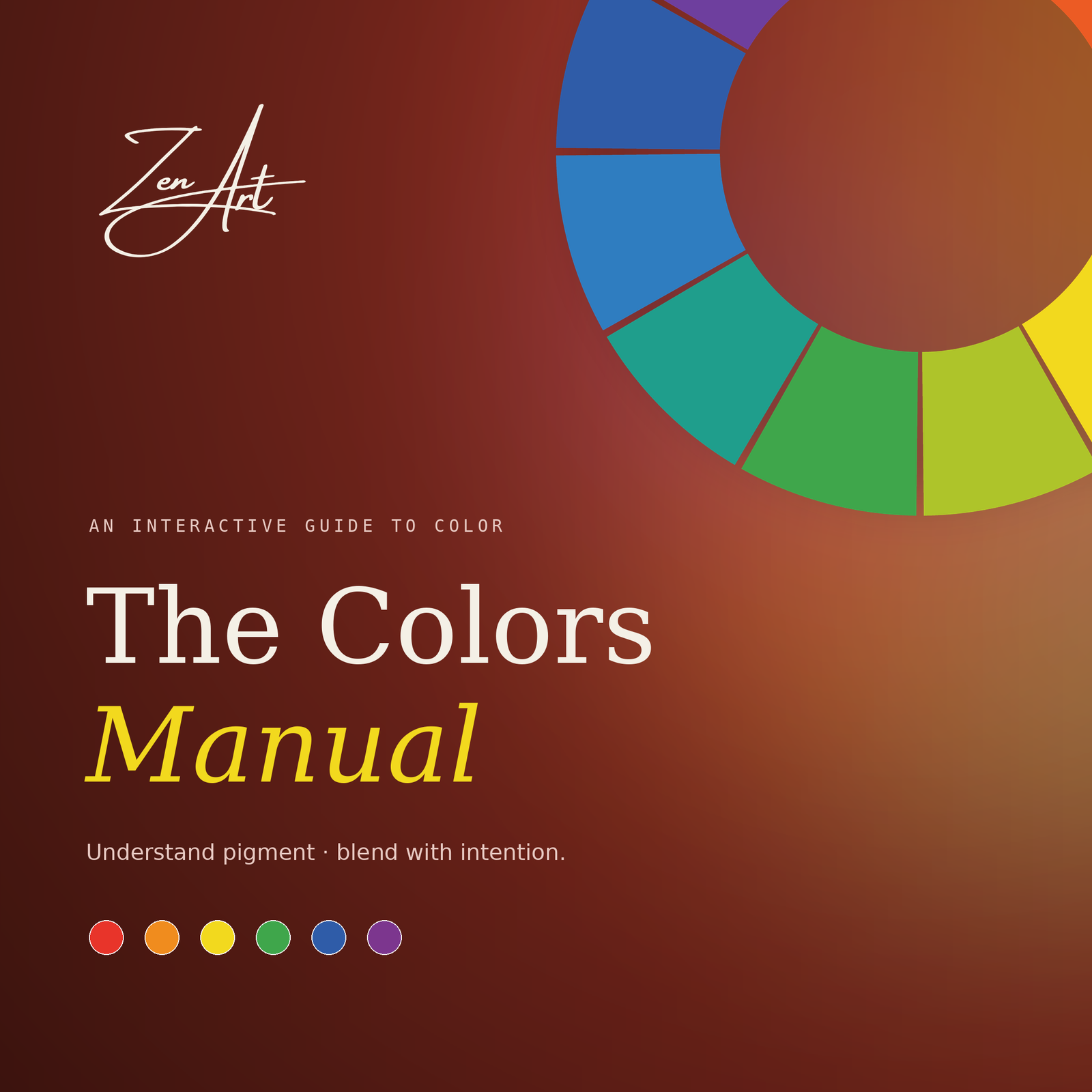
The Colors Manual — An Interactive Guide to Color | Zen Art
Understand pigment, blend with intention, and build your own color diary — one swatch at a time.
Full description
The Colors Manual is a 28-slide interactive guide that turns color theory into something hands-on. Instead of static charts, every section is built to be clicked through: choose a section from the menu, tap a mixing formula to reveal the result, and jump back anytime with the on-screen menu button.
What’s inside:
- Foundations — primary, secondary, and tertiary colors and how they relate.
- Warm & Cool — color temperature and the mood each side creates.
- Mixing Bench — tap a formula (Red + Yellow, Blue + Yellow, and more) and see the exact blend with its hex code.
- Color Wheel — explore 12 hues and their complements.
- Recipes — ready-made color formulas for skin tones, ocean, and nature.
- Reference — every mix at a glance in one place.
- Color Diary — a space to build and keep your own swatches.
Designed with a calm, editorial look and clear typography, it works equally well as a personal learning tool, a teaching aid, or a studio reference.
What you’ll receive
- 1 × interactive presentation file (PowerPoint Show, .ppsx) — opens straight into the full-screen interactive slideshow.
- 28 slides, 16:9 widescreen.
- Instant download after purchase.
Who it’s for
- Beginner and hobbyist painters and illustrators
- Art students and homeschoolers
- Art and design teachers who want a ready-to-use interactive lesson
- Anyone who wants a clear, beautiful color reference
How to use / requirements
- Requires Microsoft PowerPoint (desktop version recommended — Windows or Mac).
- Double-click the file to launch it directly in interactive slideshow mode, then click the buttons, cards, and swatches to navigate.
- Best experienced on a laptop or desktop. On PowerPoint for the web or mobile, some interactive navigation may not behave the same way.
FAQ
Is this editable? It’s built to be used as an interactive show, not a template. It opens straight into slideshow mode.
Do I need special software? Yes — Microsoft PowerPoint. It won’t run in Google Slides with full interactivity.
Will the buttons work on my phone? It’s designed for desktop PowerPoint. Phone/web versions may not support all the click navigation.
Can I use this to teach my class / clients? The standard license is single-user/personal. Message me if you’d like a classroom or commercial license.